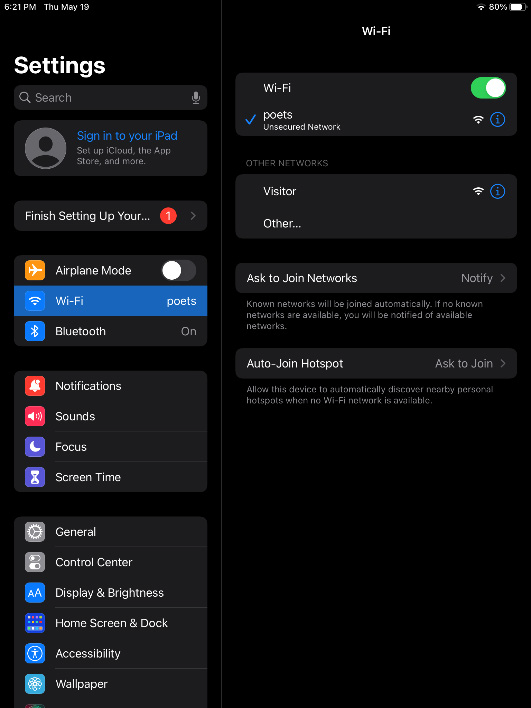
• On your iPad, open Settings and

    connect to Poets WIFI.

  • Open Safari
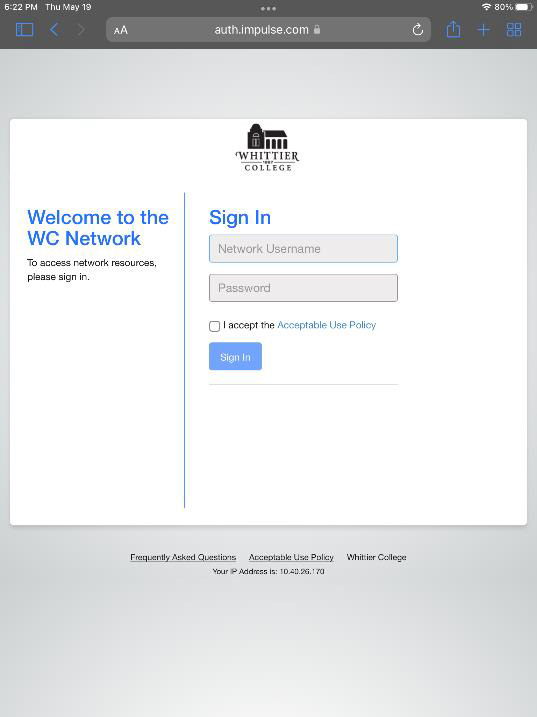
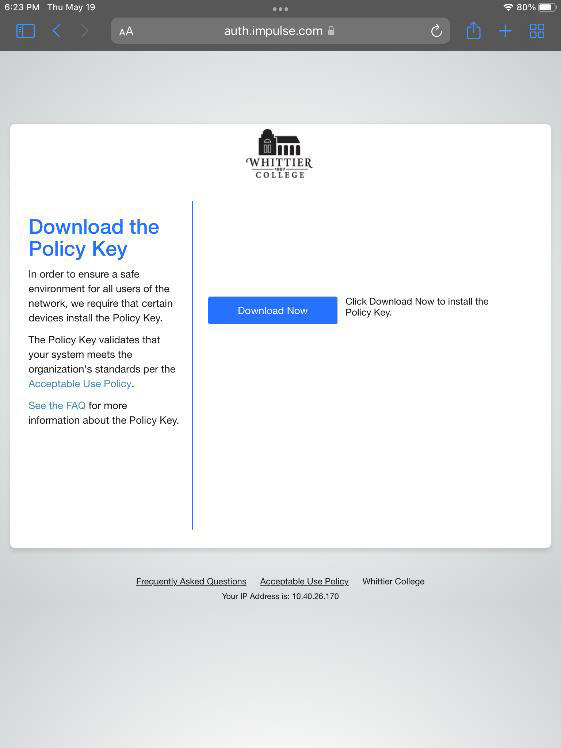
  • Open any website to get redirected to the WC Network Sign in page. If prompted with warning, unsafe connection proceed through.
  • Note: If you are not redirected to the sign in page, manually navigate to auth.impulse.com


  • Sign into the portal using your my.whittier.edu login and password

  • When you get to this window, do

    not download the policy key.

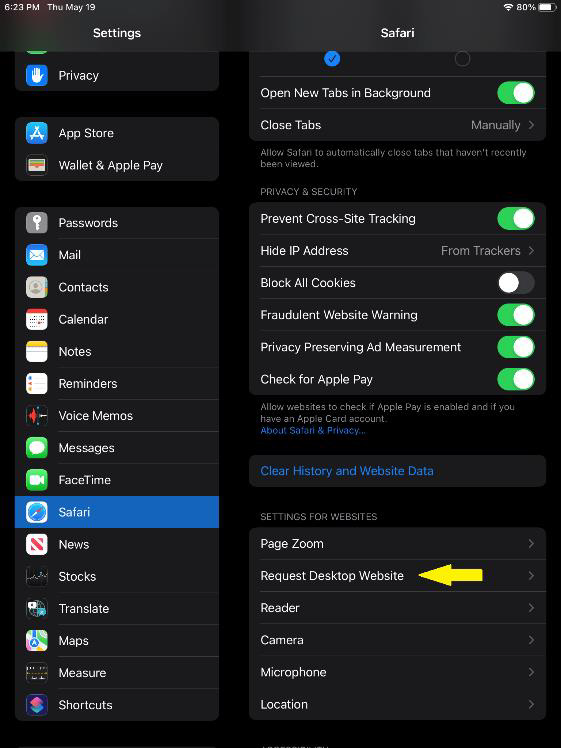
  • Go back to settings

  • Scroll down to Safari options
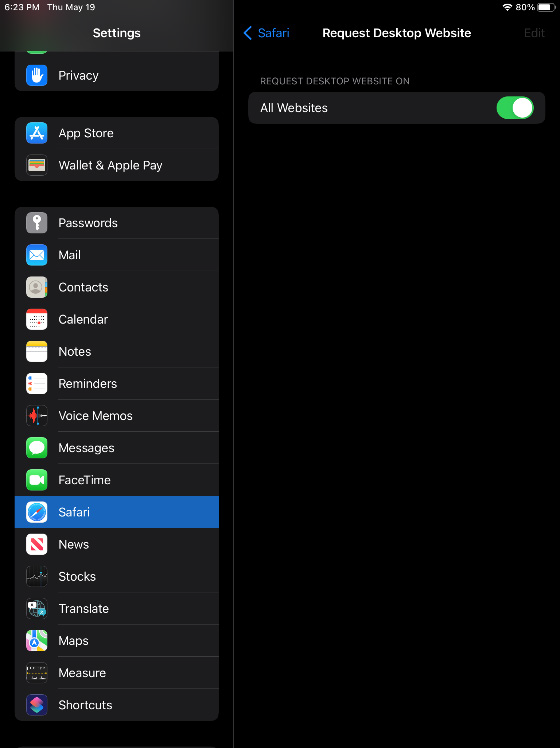
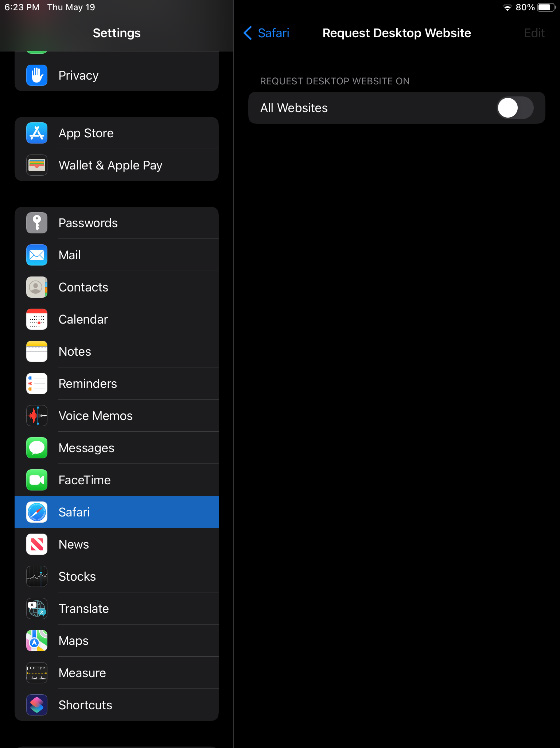
  • Select "Request Desktop Website"
  • Deselect the All Website option

  • Navigate back to Safari, and reload a website. You should be on the Wi-Fi now.